Getting started as a cardholder: step-by-step process

For a step-by-step guide on how to invite a new user and order their card, check out this tutorial.
CARDHOLDER onboarding
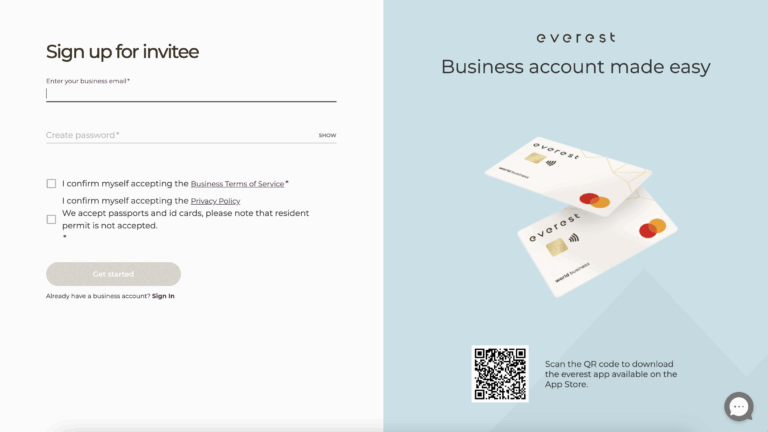
The new user should open the unique link that the account owner sent to them to start the onboarding process. Enter your business email and create a password.
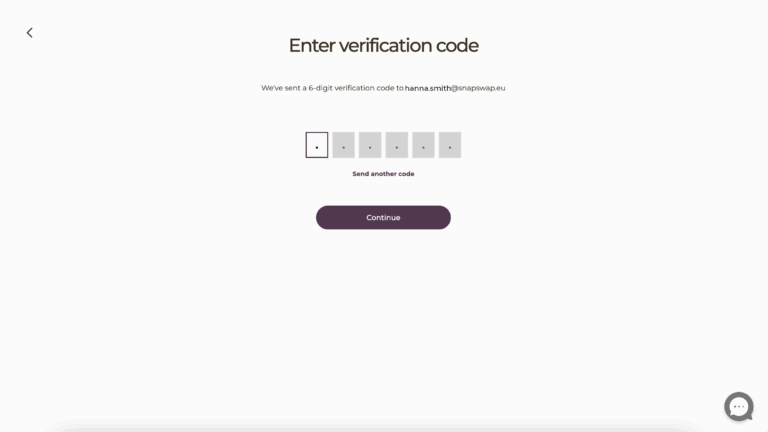
Check your inbox and copy the code to confirm your email address.
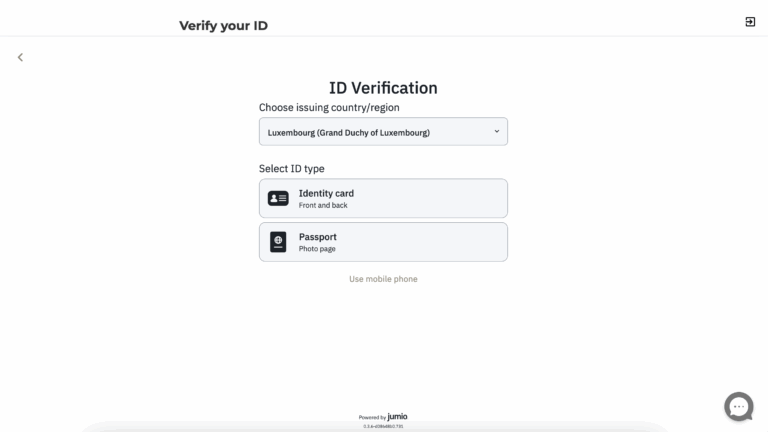
Start the identity verification.
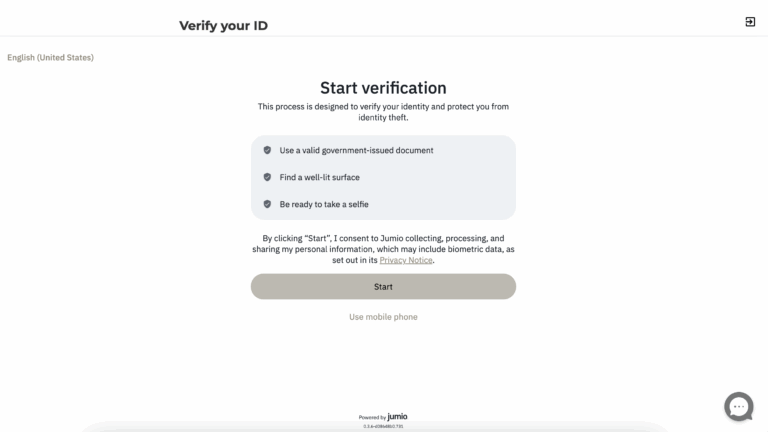
Have a valid ID card or passport ready to scan.
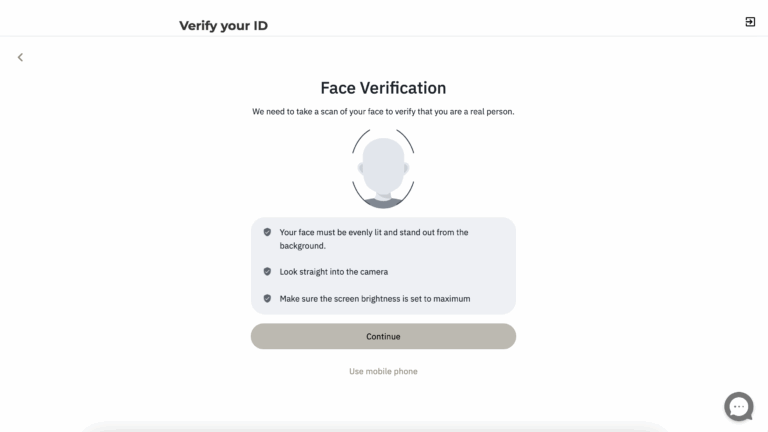
Complete face recognition: follow the on-screen instructions to verify your identity via facial recognition.
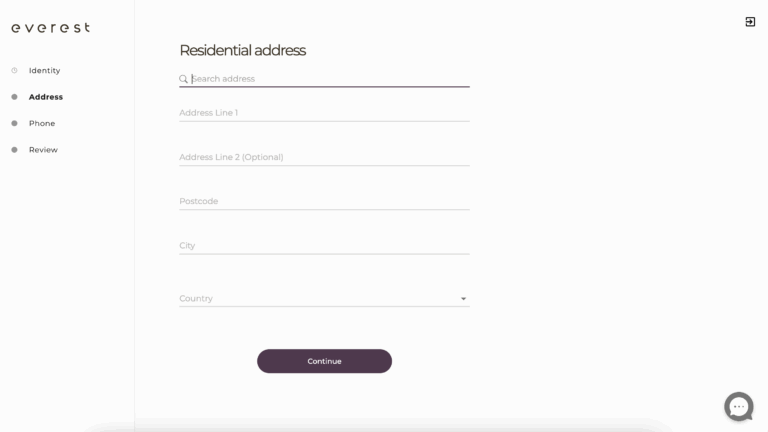
Provide personal information.
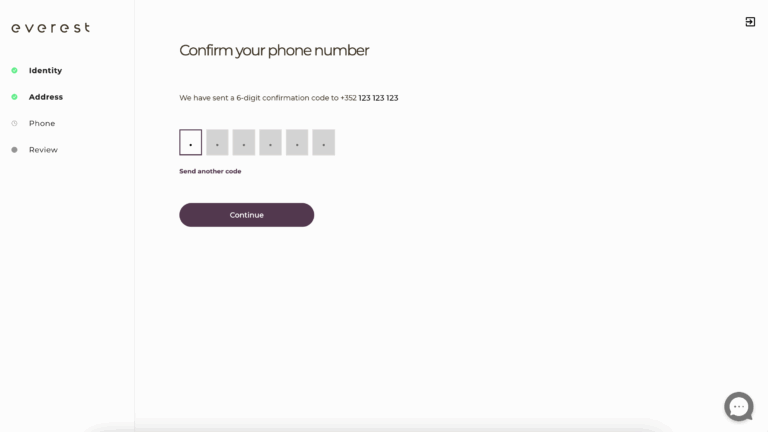
Enter your phone number.
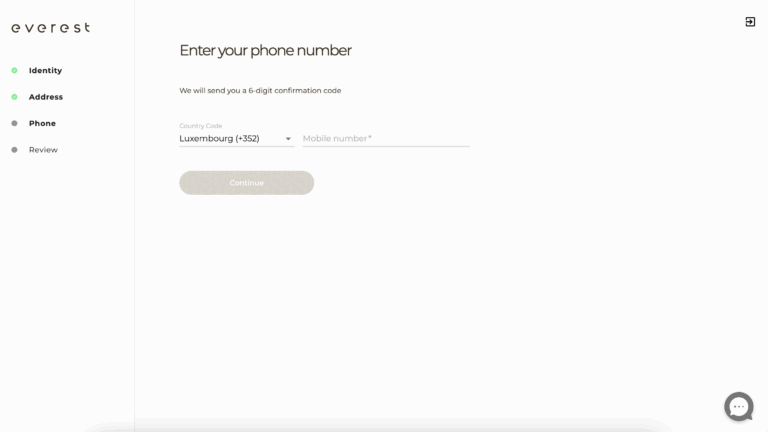
Enter the verification code (SMS) to confirm.
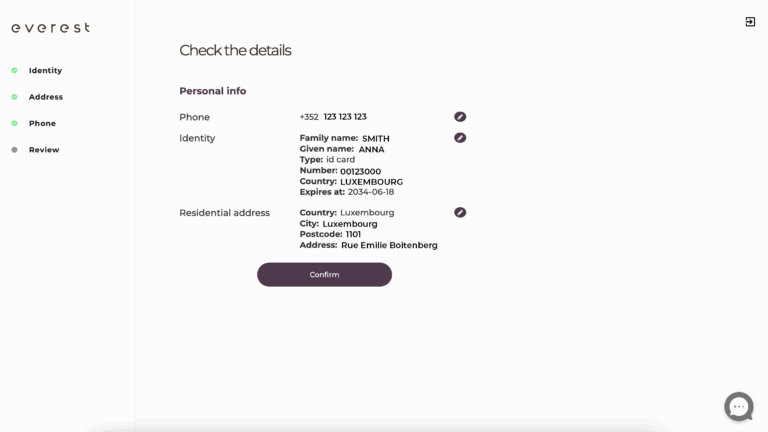
Check all details. To edit, use the left-side step menu to navigate back and update. When everything is correct, click Confirm.
The cardholder onboarding is complete.
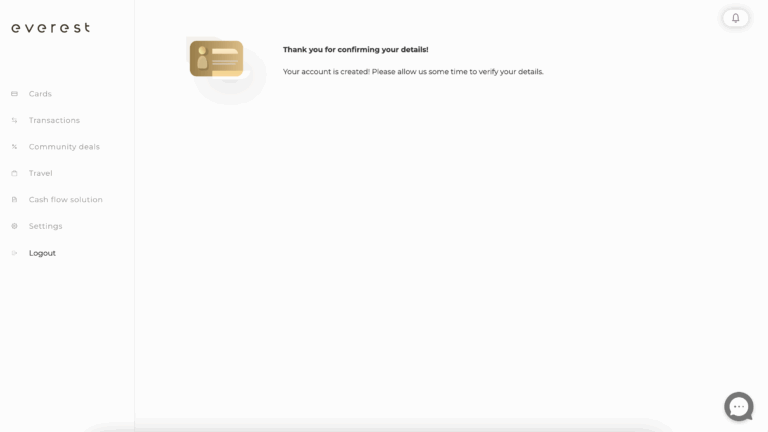
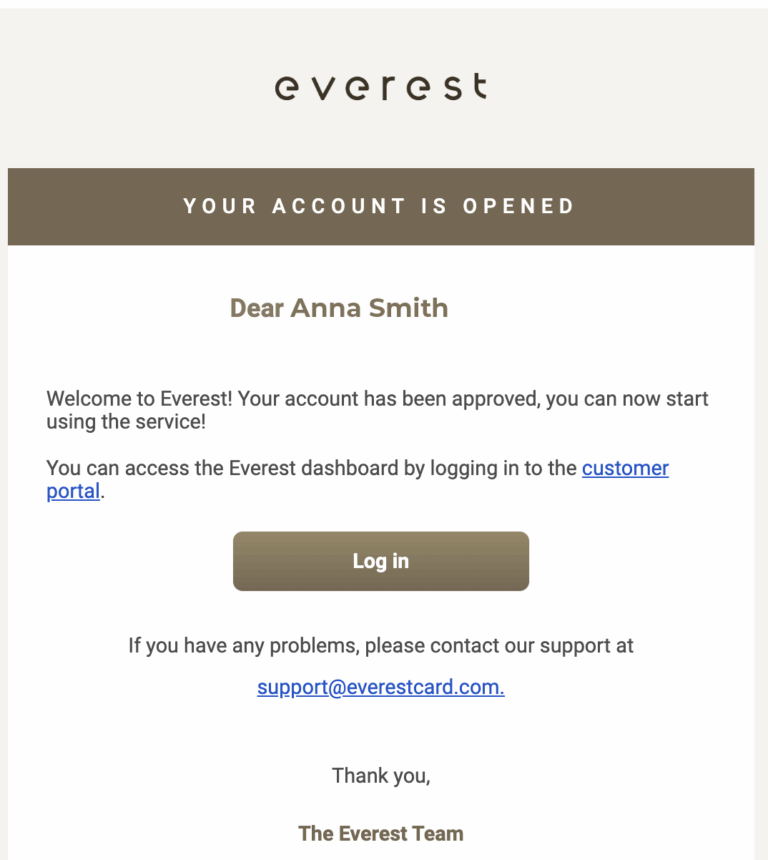
You will receive an email notification as soon as your account is approved.